| Overview Need to set up or change your name or phone number?
|
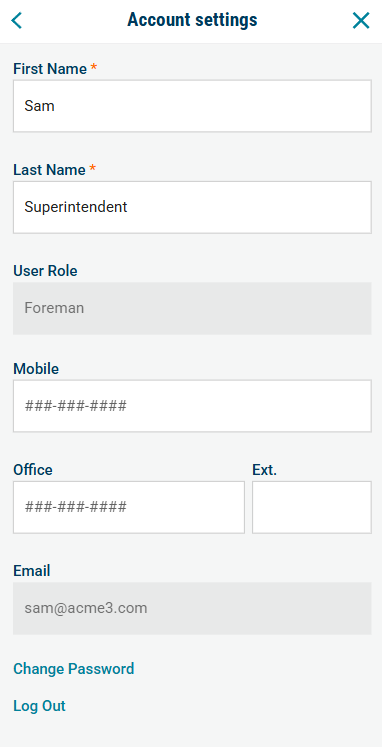
How to update your contact information (Mobile app)
- Tap the More (...) in the bottom-right corner.
- Click your Name > Acccount
- Update the fields as needed.
- Tap "Save Changes"
How to update your contact information (Web)
- Click the profile icon in the bottom-left corner of the menu bar.
- Select Account Information
- Update the fields as needed.
- Click Save.
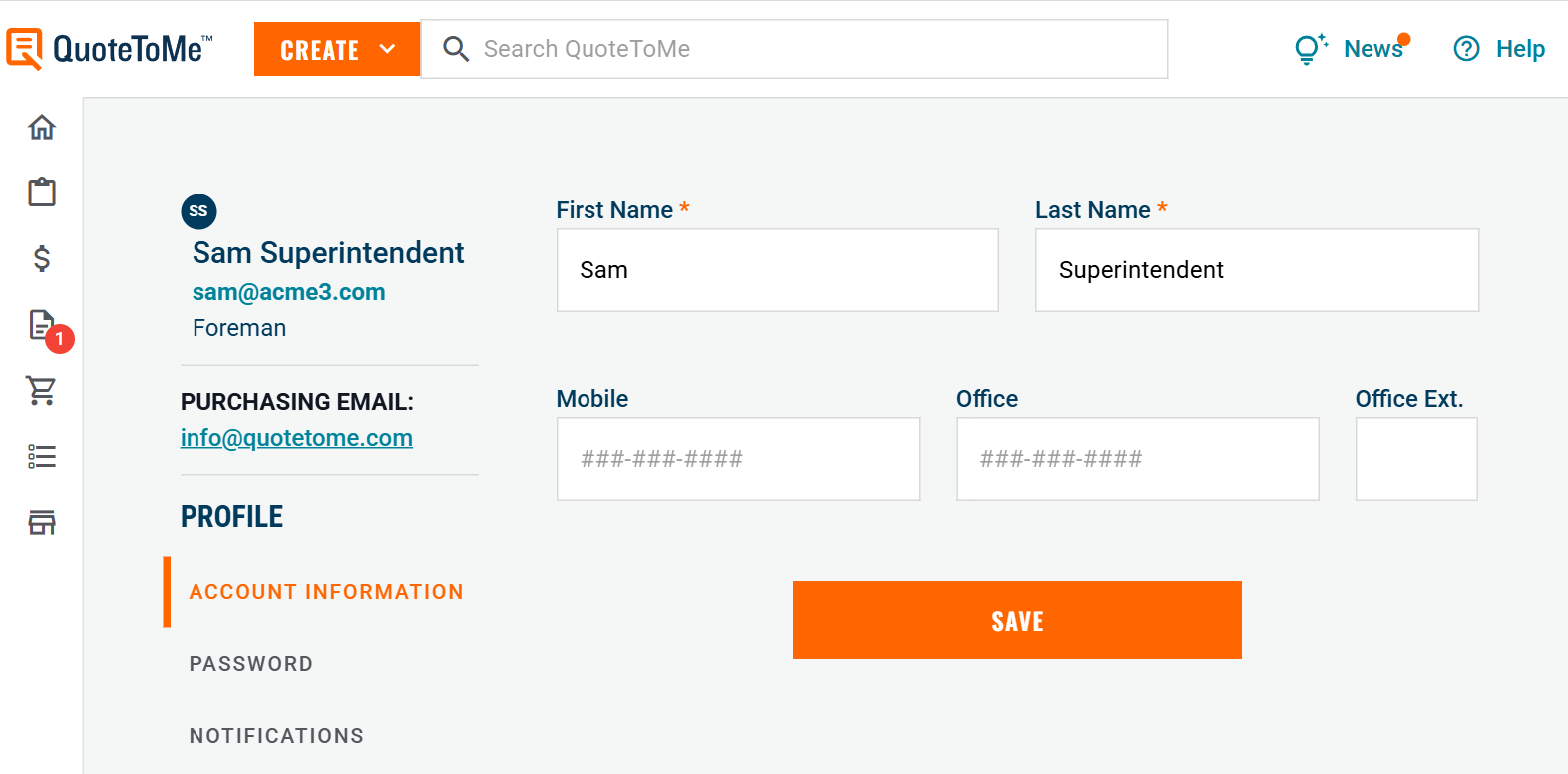
- External Visibility: these fields will populate your contact info on POs that you issue.
- Internal Visibility: this information will be visible to your project team and company administrators.
- Functionality: the mobile number you list is where SMS (text message) notifications will be sent, if enabled.
- Behaviour: Changes made to your info sync across the app automatically.
*Note: POs you already issued will not be updated with your new information.

Need help?
Reach out to our Customer Support team:
- Call us toll-free at 1-833-712-5021
- Chat with us in our web and mobile apps