You can join a project in the system using any of the following methods:
Note: |
How to Join A Project
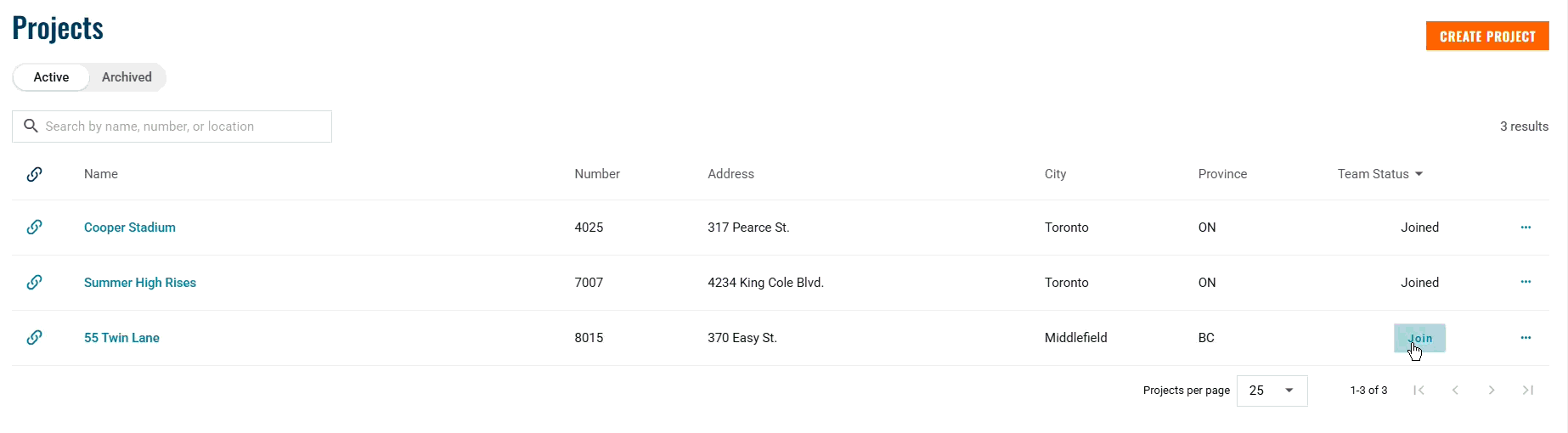
1. Projects Page
This is the main way to browse and join available projects.
Navigate to the Projects page.
Use the search bar to find the project you want to join.
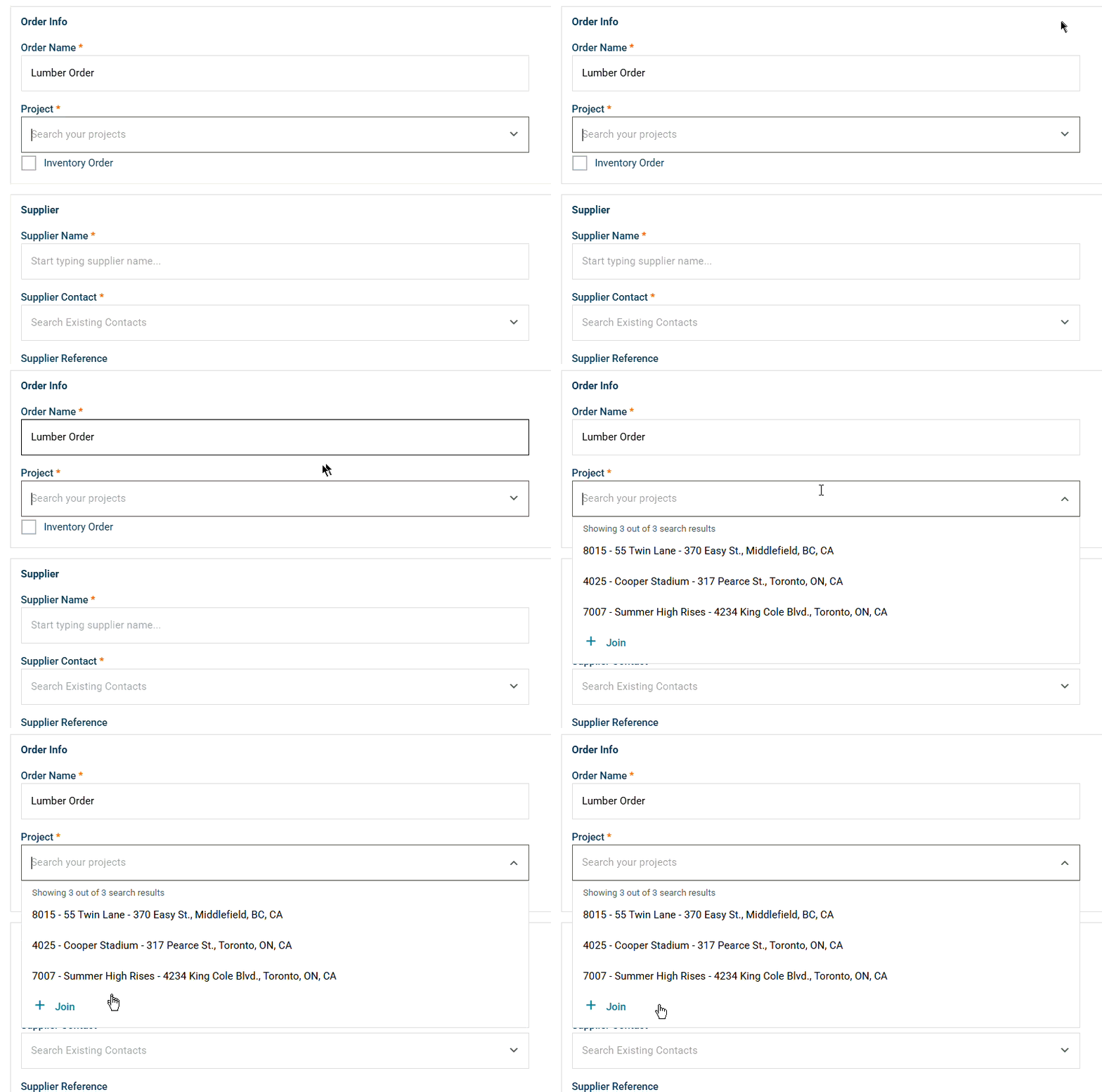
2. Project Dropdown Menu (on every order form)
- In the Project field, start typing to search for your project.
- If it doesn’t appear, click the + Join and search.
- If it doesn’t appear, click the + Join and search.
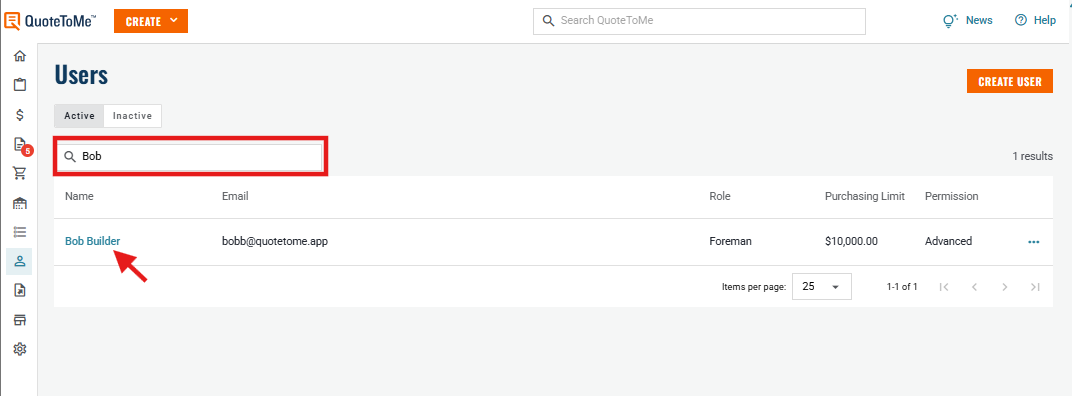
3. User Menu (Admin Access Only)
- Navigate to the Users page and find the specific user:
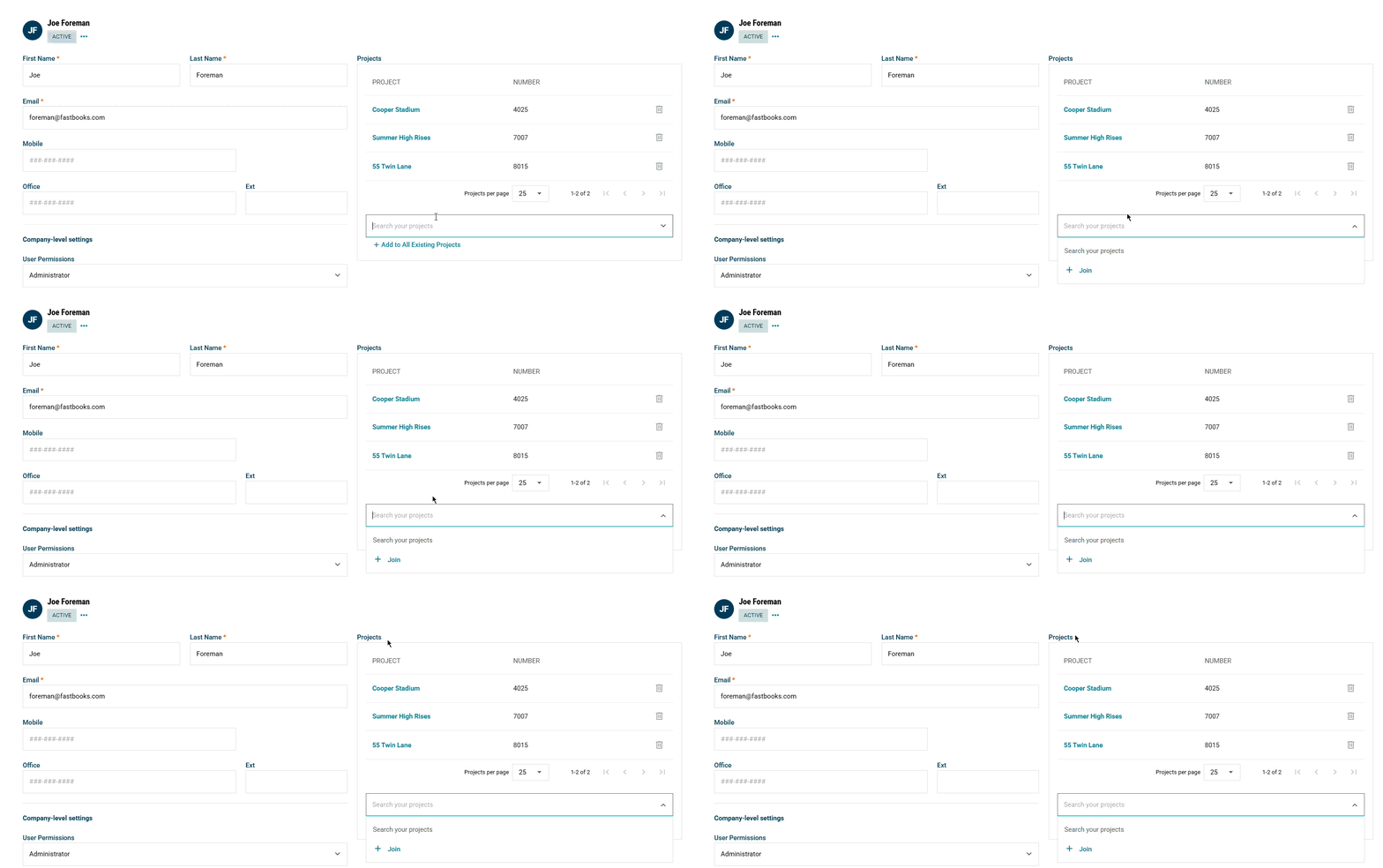
- In the right-side menu, search and add the user to the desired projects.
- Optional: You can also select "+ Add to All Existing Projects"
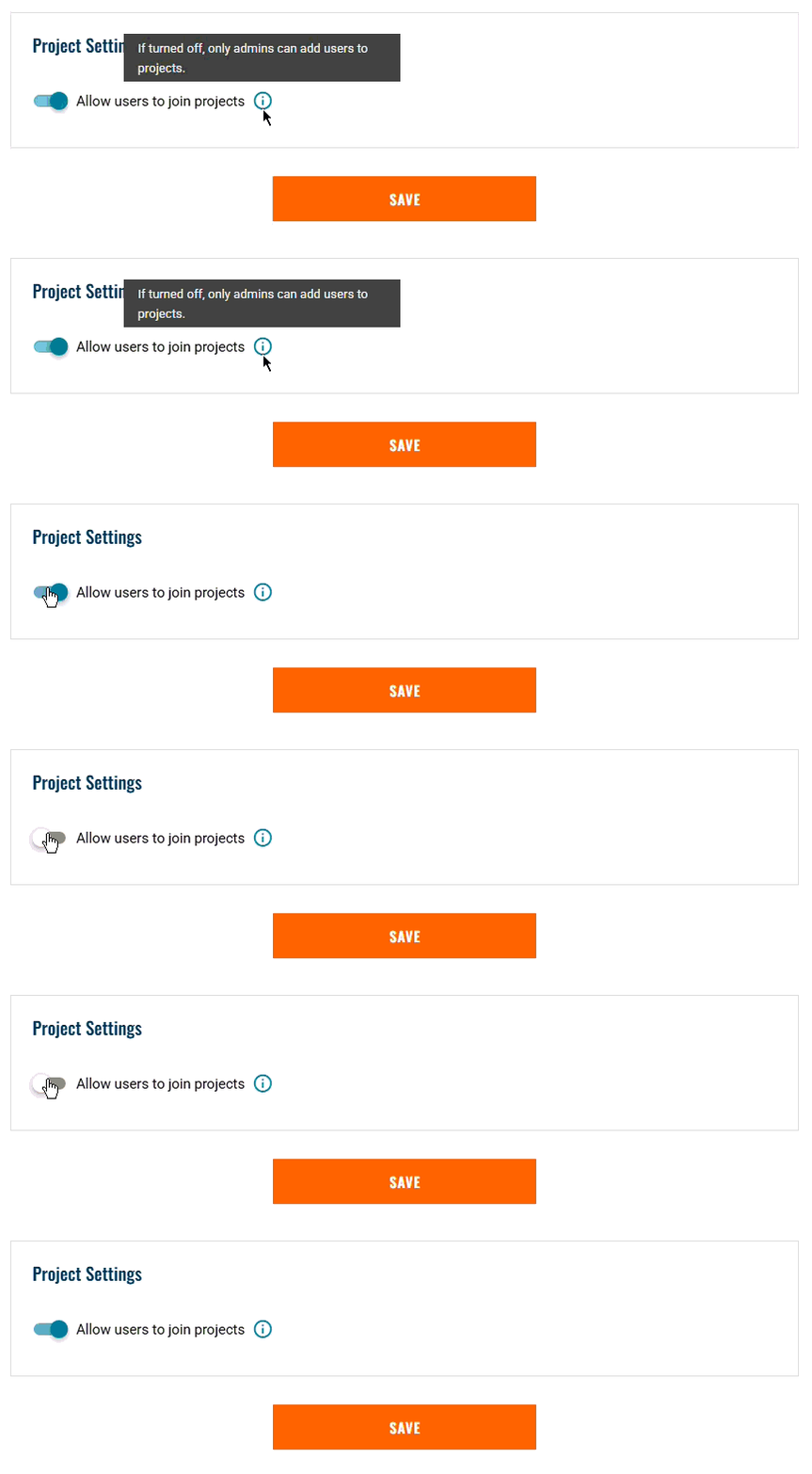
Admins can also opt to turn on or off "Allow users to join projects", if this setting is on, users can freely join & leave projects. If turned off, admins will need to add or remove users manually.
- This setting can be found under your Company Settings -> General Settings.

Need help?
Reach out to our Customer Support team:
- Call us toll-free at 1-833-712-5021
- Chat with us in our web and mobile apps