Edit Your Project Name
Note: You can only edit a project name in QuoteToMe.
To edit:
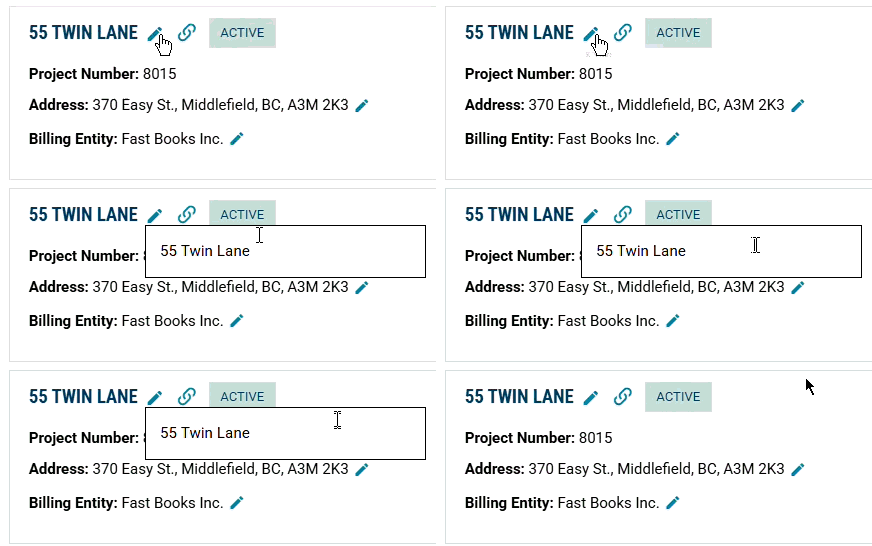
Click directly on the project name.
An editable field will appear — make your changes.
Press Enter or click outside the field to save.
Need help?
Reach out to our Customer Support team:
- Call us toll-free at 1-833-712-5021
- Chat with us in our web and mobile apps