
How to Download a Copy of Your Purchase Order
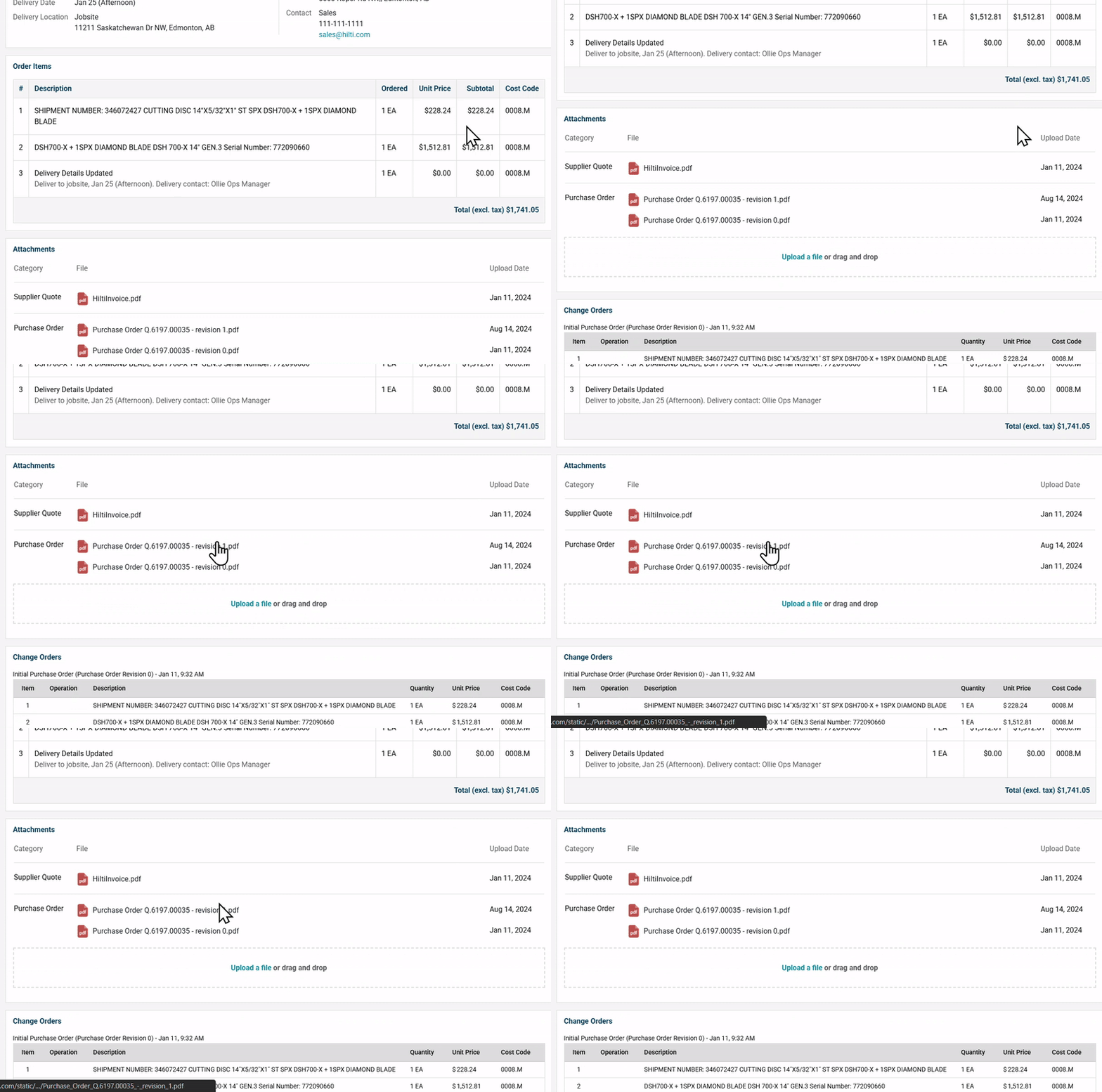
- Scroll to the Attachments section on your order page.
- Look next to the Purchase Order category.
- Click the file name
- From there, you can view, download, or print the latest revision.
Need help?
Reach out to our Customer Support team:
- Call us toll-free at 1-833-712-5021
- Chat with us in our web and mobile apps