
How to Add a New Supplier
You can add a new supplier directly from the Supplier drop-down menu when you're filling out an order form.
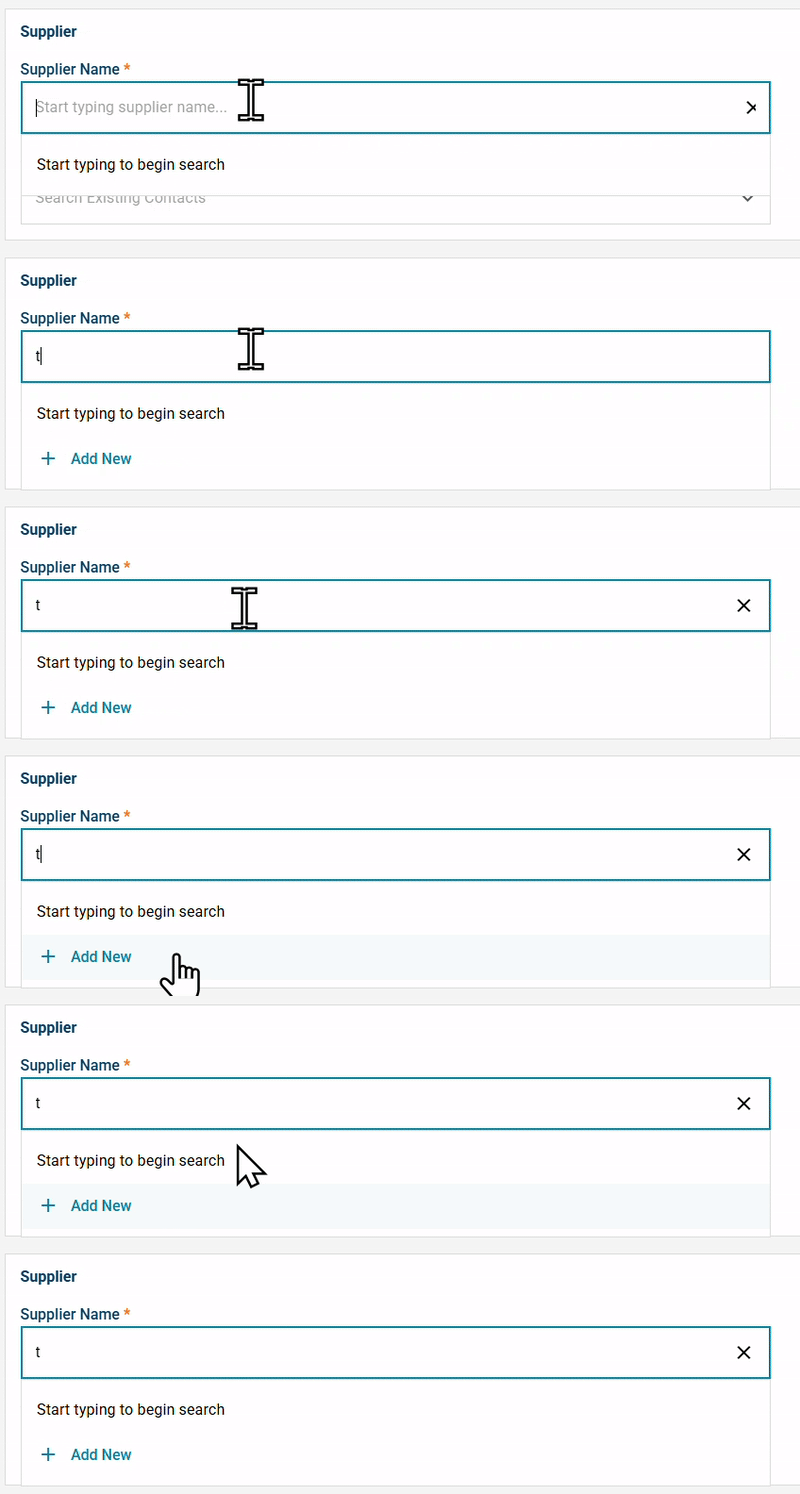
- Click on the Supplier Name field and begin typing.
- Click “Add New”.
- Enter the supplier’s details in the form provided.
- Add — the new supplier will now be available for future orders.
- The supplier will be saved to your company’s supplier list for future use.
Need help?
Reach out to our Customer Support team:
- Call us toll-free at 1-833-712-5021
- Chat with us in our web and mobile apps